
Introduction
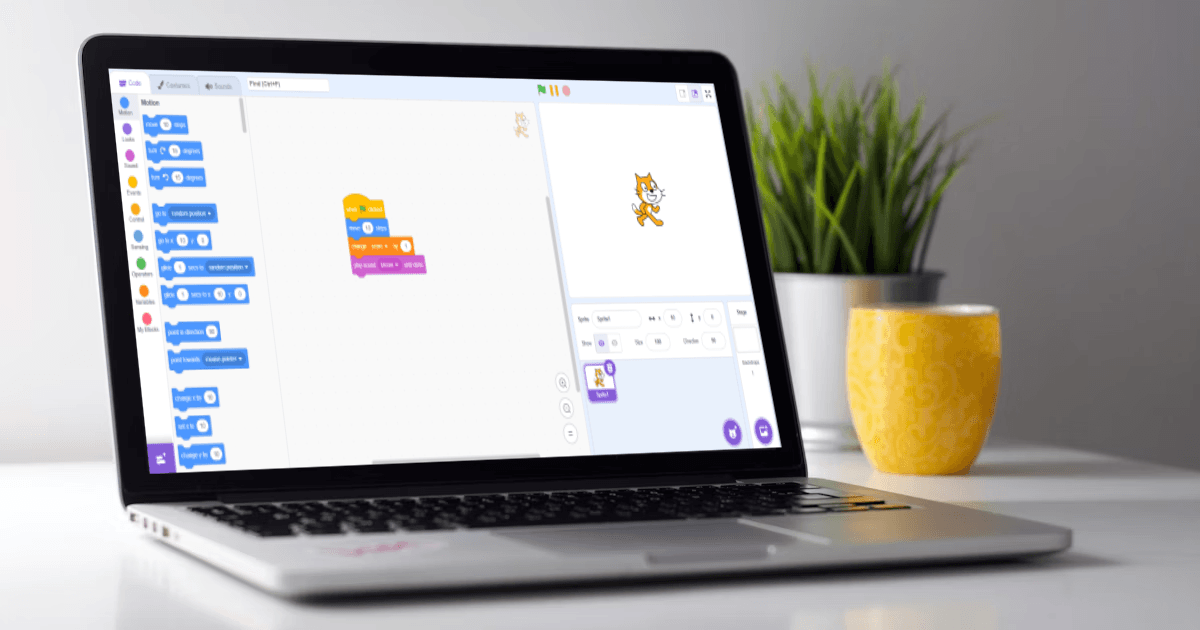
Many kids are eager to code, but the wall of abstract symbols in text-based languages often creates immediate confusion. This "syntax barrier" is where many beginners lose interest. Visual Programming removes this hurdle, turning complex logic into intuitive building blocks that kids can manipulate like a puzzle.
"Visual blocks allow the mind to focus on the architecture of an idea, not just the punctuation. We're teaching kids to think, not just type."
Source: MIT Scratch Official Data
Source: Weintrop & Wilensky (2017)
Source: 2019 Meta-Analysis (Hansen)
Data based on peer-reviewed studies comparing Block-based vs. Text-based learners.
1. Two Different Ways Kids Learn Coding
When a child starts their coding journey, they typically encounter one of two paths. Understanding the difference between these paths is crucial for parents who want to foster a long-term interest in STEM.
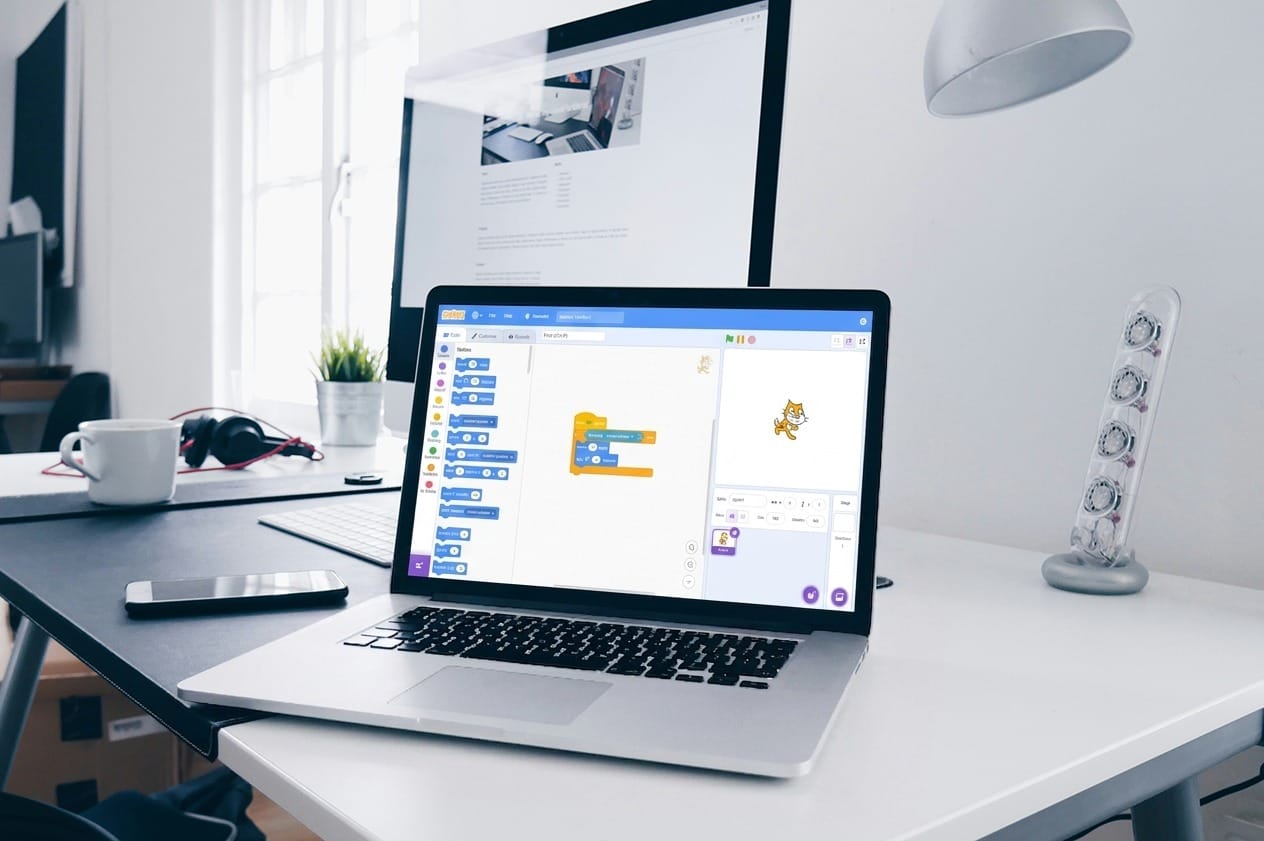
This method uses graphical blocks that represent specific commands. It is designed to be "error-proof," where blocks only snap together if the command makes logical sense. It’s a tactile, visual way of building logic that feels more like digital LEGO than academic writing.
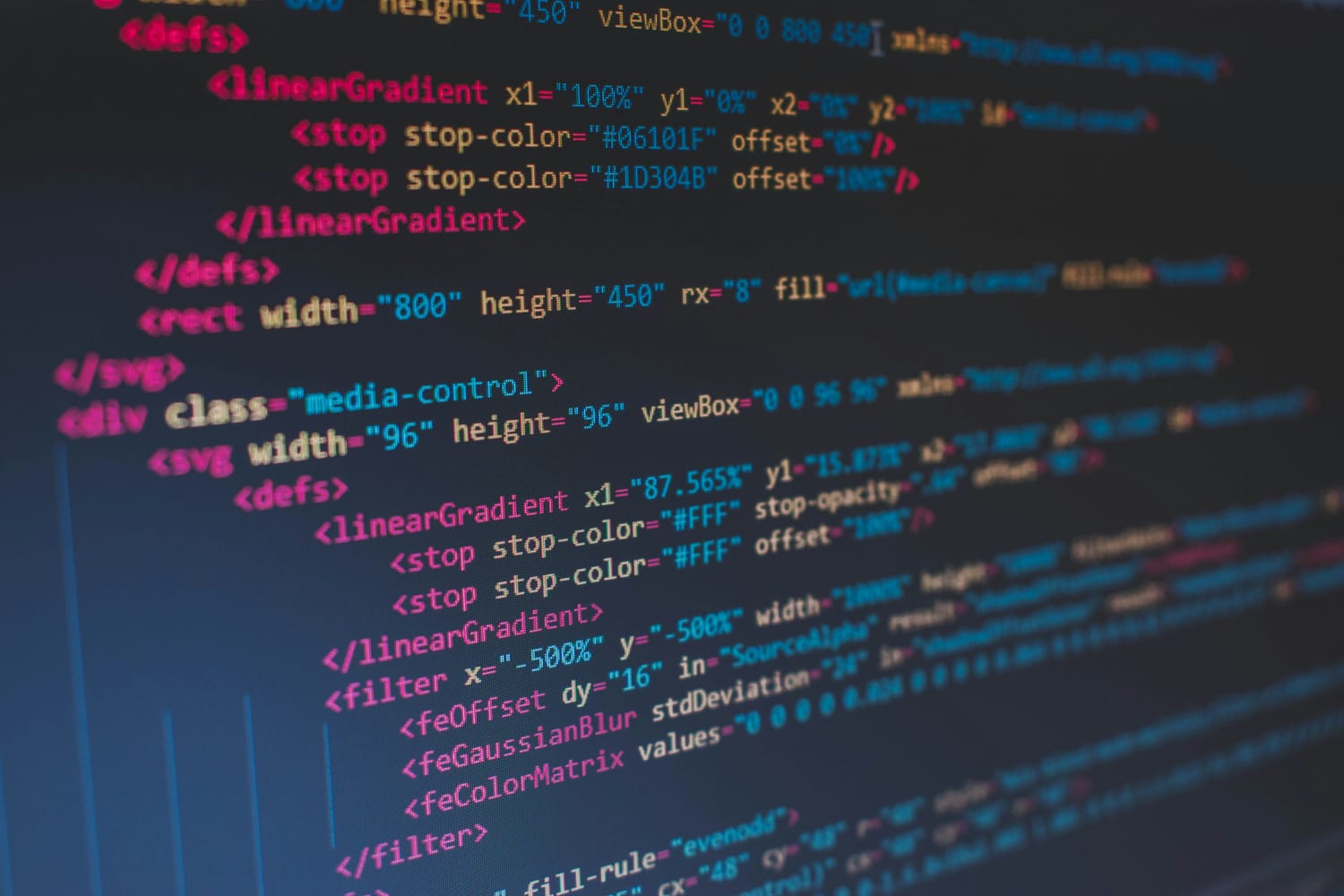
Languages like Python or C++ require the user to type out every instruction. While powerful, this path requires a high level of patience for syntax. A single missing colon (:) or an extra space can break the entire program, which often leads to frustration for children under 12 who are still developing their typing dexterity.
2. What Makes Visual Coding Easier
The core advantage of visual coding is the reduction of "cognitive load." By removing the need to memorize complex rules of spelling and punctuation, children can focus 100% of their brainpower on creative problem-solving.
Focus on Concepts, Not Commas
In visual programming, "if-then" logic is represented by a physical block. This allows the child to understand the concept of conditional statements without worrying about indentation or brackets.
Interlocking Visual Cues
The shape of the blocks tells the child where they can fit. This acts as a physical guide to structural logic, preventing the most common mistakes beginners make in text-based languages.
Rapid Iteration
Kids can drag, drop, and test a new idea in seconds. This speed of discovery keeps engagement high and turns a difficult lesson into a fun experiment.
3. Where Text-Based Coding Becomes Difficult
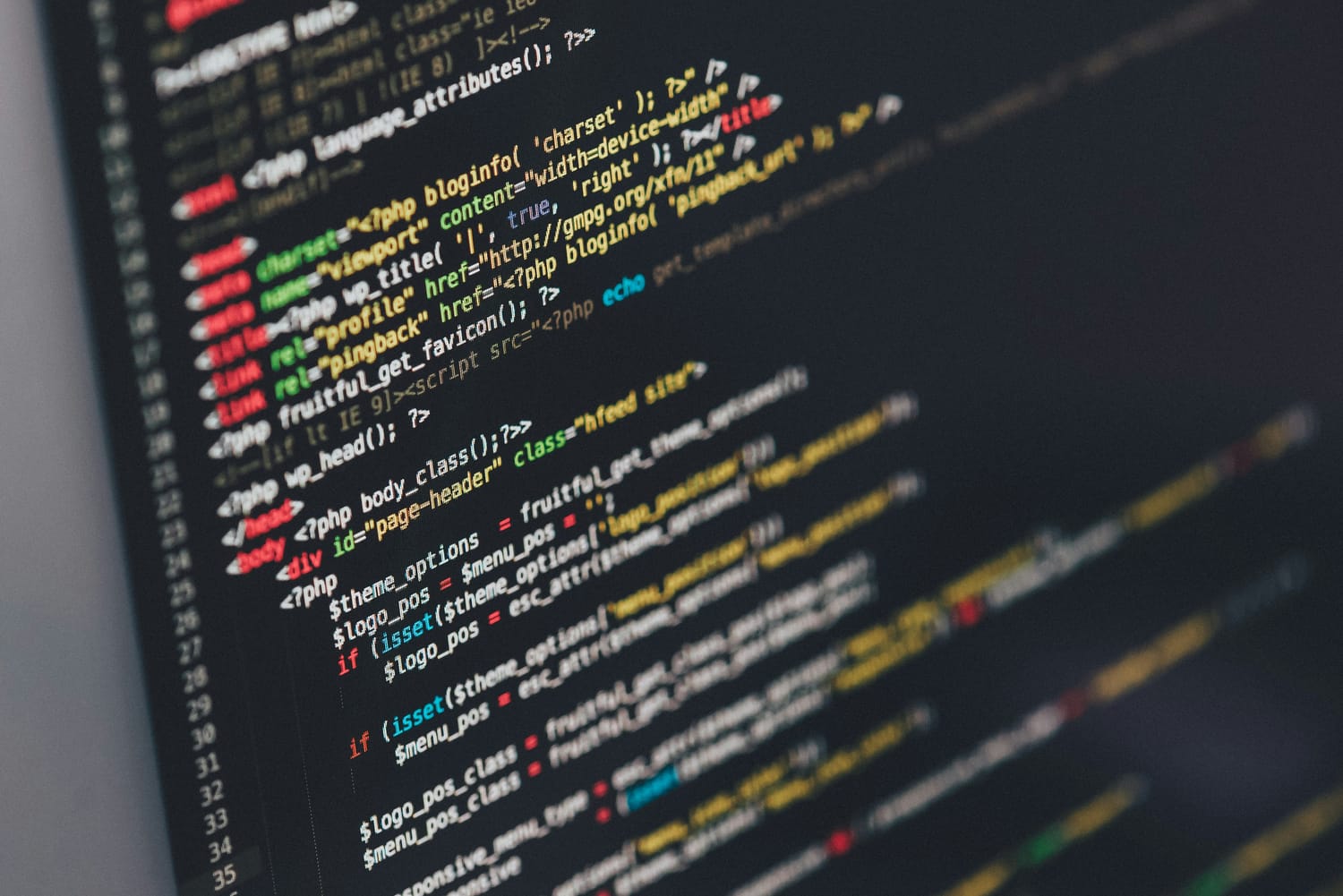
For many parents, "coding" means writing text. However, introducing text too early can actually hinder a child's development. Research by David Weintrop (2017) shows that students in introductory courses perform significantly better on content assessments when using visual blocks, as they aren't forced to spend their mental energy fixing syntax errors rather than building logic.
Imagine telling a story but having to stop every time you forget a period. In text coding, an accidental capital letter or a missing quote mark stops everything. This breaks the creative flow.
When coding feels like hard labor (debugging text) rather than a fun activity (making a sprite move), kids are more likely to give up and assume they aren't "good at math or tech."
4. A Simple Logic Comparison
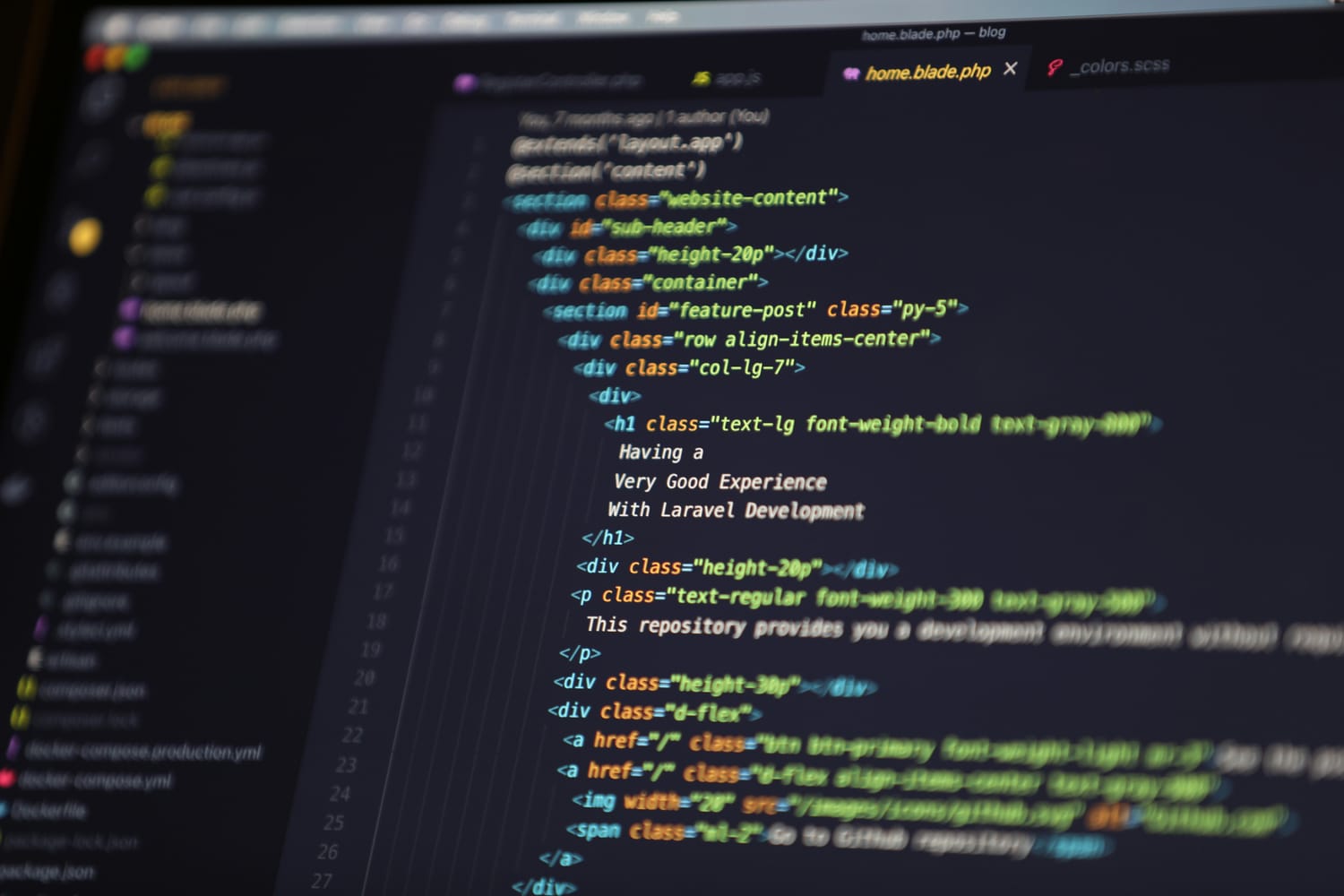
Let’s look at a real-world example of how a child’s experience changes depending on the tool they use. Imagine the mission is to make a character walk across the screen.
The Visual Path
The child drags a single "Move 10 Steps" block. It snaps into place. They click it, and the character moves instantly. The success is immediate.
The Text Path
The child writes
player_sprite.move(x=10, y=0). They may misspell “sprite” or forget to include ".move". As a result, the character stays still.
5. Developing Strong Logic Foundations
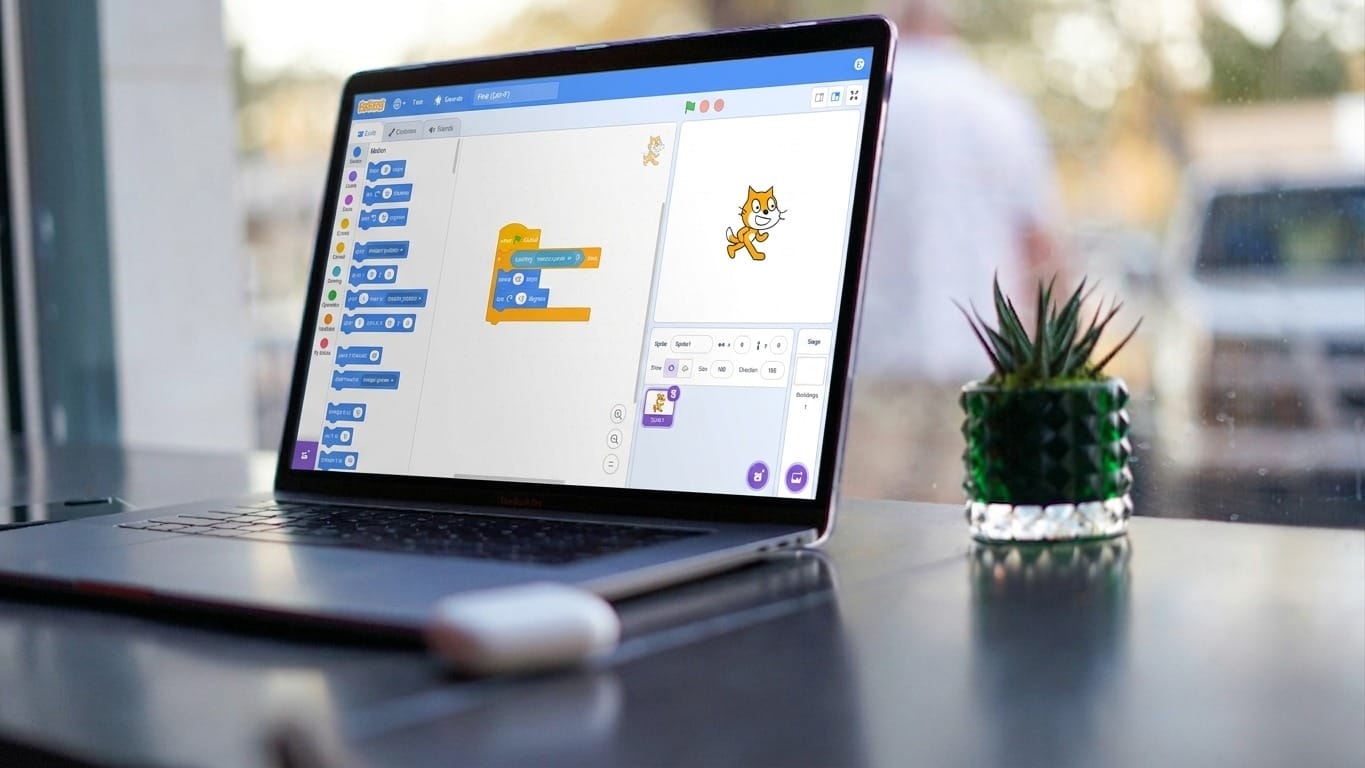
Visual programming isn't "coding lite"—it is the same logic used by senior developers, just presented in a more accessible format. By starting here, children master the three pillars of computer science:
Sequence Modeling
Kids learn that order matters. If you "jump" before you "move," you get a different result. This is the foundation of all software algorithms.
Creative Problem Solving
When a block doesn't produce the result they wanted, kids learn to "debug" by swapping blocks around.
Key Takeaways
Logic Over Syntax
Removing the "syntax barrier" lets kids focus on solving problems rather than memorizing punctuation.
Instant Confidence
Immediate visual rewards build the resilience needed to eventually transition to professional tools.
Pro-Level Bridge
Visual blocks use the same logic as Python and Java, creating a perfect mental foundation.
Coding is not difficult; the way it is introduced makes all the difference. When kids start with blocks, they enjoy learning, build confidence, and are better prepared for advanced coding later in life. By focusing on the "what" and "why" before the "how," we raise a generation of thinkers, not just typists.
If you're ready to see your child's imagination come to life, belmans4kids offers online courses that make this journey seamless and risk-free!
Created by

Trisha SS Belman
Tutor, belmans4kids
Trisha SS Belman is an 11-year-old expert Tutor at belmans4Kids, inspiring children aged 6–16 to explore the digital skills shaping the future, from Scratch and game design to app development and AI. With over 5 years of experience in digital skills and more than 10,000 hours of hands-on learning and teaching experience, she brings energy, creativity, and peer-to-peer mentorship to every session.
View Portfolio


