
Introduction
Every time your child types a question into a search bar, they are interacting with one of the most complex engineering feats in human history. To understand how google search works, we have to look past the simple search box and dive into the massive automated system that operates 24/7. This system doesn't sleep, it doesn't take breaks, and it is responsible for organizing the world's information so it's accessible to everyone.
Imagine a world where every book ever written was thrown into a giant pile without any labels. Finding a specific sentence would be impossible. Google's job is to label every page, categorize every image, and remember where everything is. They do this through a technical process called the "Spider System."
Google processes over 9.5 billion searches per day, yet it never "looks" at the live internet to find your answer. Instead, it looks at a massive, pre-built map of the web.
1. What is a Web Crawler?

The Spider (Crawler) is the engine of discovery.
At the heart of the system is the **Web Crawler**, often called a "Spider." Despite the name, this isn't a physical robot. It is a highly sophisticated software program designed to visit websites. Its primary goal is to "read" the content of a page and verify what it's about.
The Goal of the Crawler
A crawler's mission is simple but massive: visit every page it can find and send the information back to the main servers. It doesn't interpret the meaning of the layout like a human; instead, it looks for specific data points:
-
Text Content: It reads every word on the page to determine the topic.
-
Metadata: It checks hidden tags that tell it about the page's structure.
-
Hyperlinks: It identifies every single link that leads to another page.
Scale and Efficiency
There isn't just one spider. There are thousands of them working in parallel. They are optimized to be as fast as possible, visiting millions of pages every hour to ensure Google's knowledge of the web is up to date.
2. The Web of Links: Discovering New Content
How does a spider know a new website has been created? It follows the "Web of Links." The internet is essentially a massive network of interconnected pages. When a crawler visits a page, it behaves exactly like a logic-based program should: it identifies every outgoing link.
Links are the roads that the Spider travels.
The First Visit
The crawler starts at a known, high-quality page. It reads the code of that page from top to bottom.
Branching Out
For every link it finds, it sends a "child" process or schedules a new visit. This creates a geometric expansion of discovery.
Constant Updating
It periodically revisits old links to see if anything has changed, ensuring the latest news or blog posts are found.
This recursive process is how Google "maps" the world wide web. If a page has no links pointing to it, it is virtually invisible to the spider system. This is why linking is the most important part of the internet's structure.
3. The Index: The Giant Library of the Internet

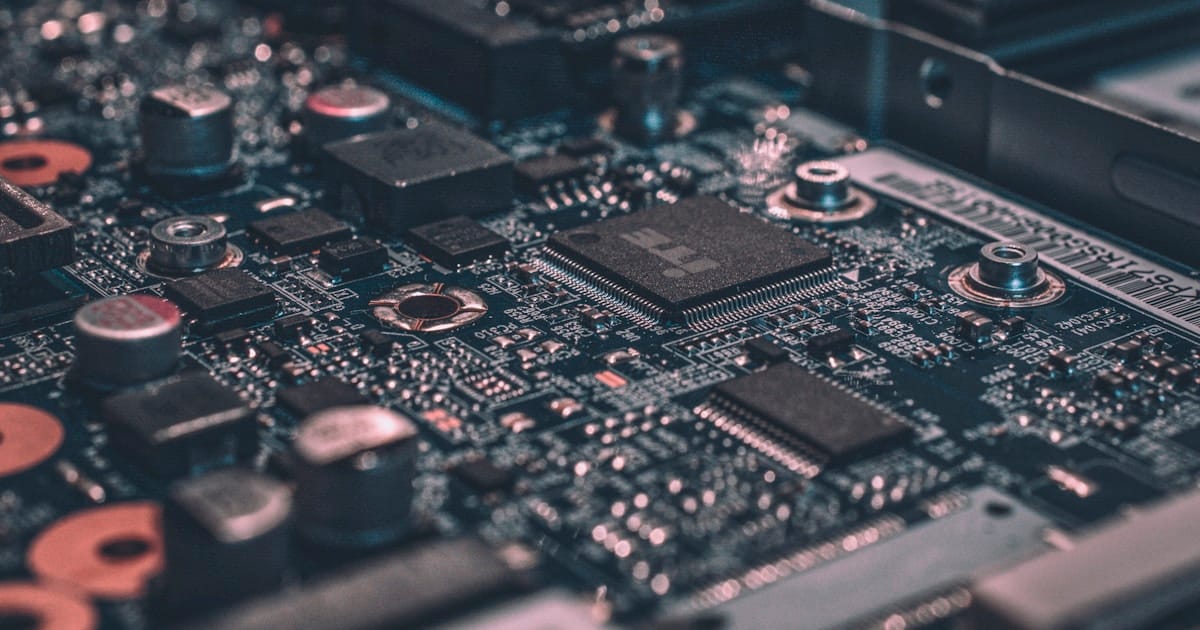
The Index is where all the crawled data is stored safely.
Once a spider has successfully "crawled" a page, it doesn't just leave it. It sends all the raw data—the text, the location of images, the keywords—back to Google’s massive data centers. Here, the data is organized into the **Google Index**. Think of it as the index at the back of a textbook, but for every word on every page of the internet.
Categorization
Google assigns each page to specific categories based on the most frequent and relevant words it finds.
Compression
To save space and speed up searches, the data is compressed into a format that computers can read almost instantly.
Normalization
It cleans the data, removing duplicate information and ensuring everything is in a consistent format.
Ranking Ready
The Index prepares the data so that the ranking algorithm can quickly decide which page is the best answer.
Belmans4Kids provides a structured yet fun pathway for your child to master these tools, giving them confidence in the digital world. By understanding how the index works, children can learn to write better content that spiders can easily understand.
4. Retrieval: How Matches Are Found Instantly
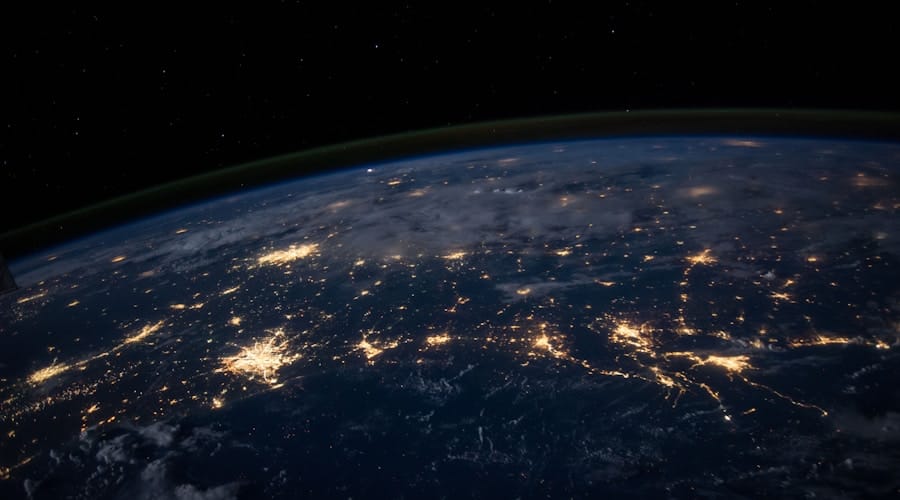
Search happens in the Index, not on the live web.
The final and most important step to understand is that when you search, Google does not look at the internet. Looking at trillions of pages in real-time would take hours. Instead, Google looks at its own Index.
When you type a query, Google's "Search Algorithm" scans the Index to find pages that mention those words. Then, it uses over 200 ranking factors—including page speed, relevance, and location—to show you the best results in less than half a second.
This speed is made possible because the heavy lifting (crawling and indexing) is already done. Google is just retrieving information that it has already mapped and stored.
Try the Spider System Simulator
Select a search term below and hit Search to see how the Index retrieves matching pages.
Results Pulled from Index
Wrapping Up
🎯 Key Takeaways
- 01 Spiders (Crawlers) are software programs that visit websites to collect data.
- 02 The Index is a massive searchable library of all the text found by the spiders.
- 03 Retrieval is the instant lookup of terms inside the index, not the live web.
Understanding how google search works is the first step toward becoming a digital native. The Spider System is a beautiful example of logic, scale, and engineering working together to make the world's information accessible. By learning how these systems function, children gain a deeper appreciation for the technology they use every day.
If you're ready to see your child's imagination come to life and master the tools behind the web, Belmans4Kids offers an online enrolment — a perfect, risk-free way to start!
Created by

Kshithij Anand Belman
Tutor, Belmans4Kids
Kshithij Anand Belman is an expert Tutor at Belmans4Kids, giving every child aged 6–16 access to the digital skills that will shape tomorrow — from computer science and game design to app development and AI. He's passionate about making tech education fun, accessible, and empowering for young learners across India, UAE, and Europe.
View Portfolio


