
Introduction
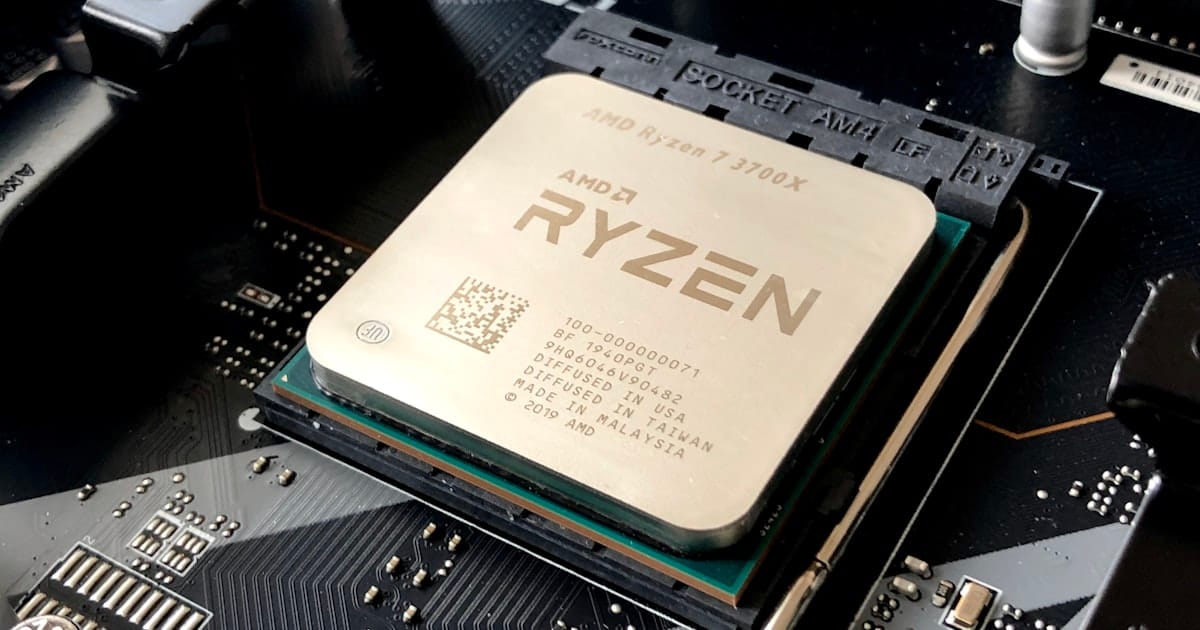
Have you ever wondered how your computer remembers your favorite games, or how a tiny flash drive can hold thousands of photos? It’s not magic—it’s the power of semiconducter technology! Let’s explore the microscopic world where tiny particles called electrons do all the hard work for parents and kids alike.
Modern SSDs can hold over 2 trillion bits of data in a space smaller than a postage stamp!
1. The Secret of Tiny Electrons
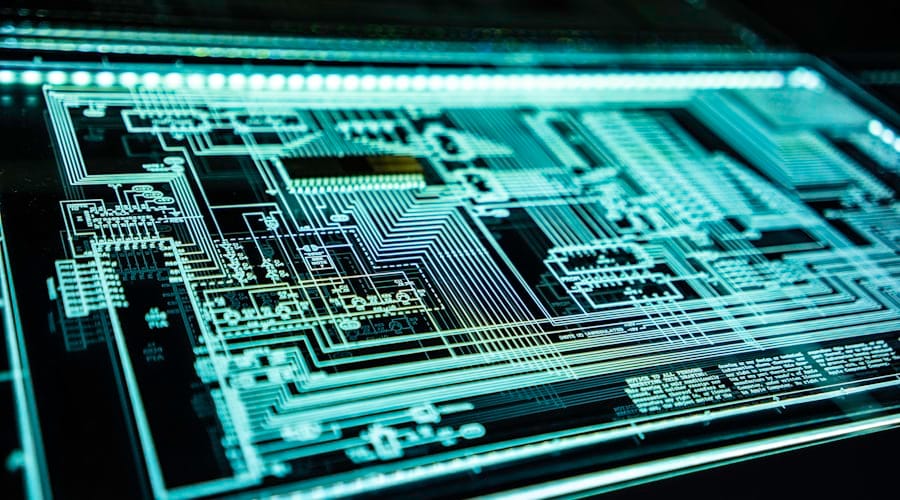
Busy electrons at work inside your device
Everything in your computer is built with semiconductors. These are special materials that can sometimes let electricity flow and sometimes stop it in its tracks, which is exactly how does laptop work at its core.
Microscopic Messengers
Inside these materials, tiny particles called electrons move around. Think of them like busy little messengers carrying information throughout your laptop. By controlling where these messengers go, we can start to store data safely.
-
Electrons are the smallest bits of electricity.
-
Semiconductors act like smart traffic lights for electrons.
-
Millions of these traffic lights fit on one tiny chip!
2. The Microscopic Electron Trap
Inside an SSD or a flash drive, there are millions of tiny "cages" called memory cells. This is one of the cool things about modern science!
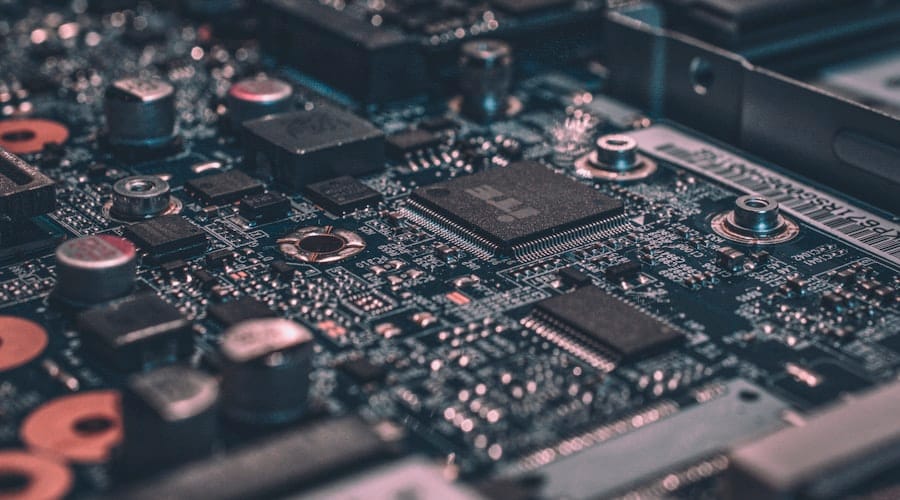
How your files stay put without power
Pushing the Electrons
When you save a file, the computer uses electricity to push electrons through a microscopic wall.
Locking the Door
Once the electrons are through, the wall acts like a one-way door, trapping them inside the cage.
Permanent Memory
Those electrons stay trapped for years! Even without power, they don't have enough energy to climb back out.
This is why your photos don't disappear when you turn off your phone or unplug your drive!
3. Binary: The Language of 1s and 0s
Thinking in 1s and 0s
Computers don't speak English; they speak Binary. This is a simple code made of only two numbers: 1 and 0.
The "1" State
When electrons are caught in the trap, the computer reads it as a '1'.
The "0" State
When the cage is empty, the computer reads it as a '0'.
Mixing and Matching
Combinations of 1s and 0s create every letter, color, and sound you see.
Lightning Fast
Your computer checks billions of these traps every single second!
Wrapping Up

Future-ready through hardware knowledge
🎯 Key Takeaways
- 01 Semiconductors use electrons to carry and store information.
- 02 Electrons get "trapped" in memory cells to keep data even without power.
- 03 The 1s and 0s (Binary) tell your computer exactly what to show on screen.
The next time you save a school project or download a new app, remember the millions of tiny electrons getting trapped in their semiconducter cages to keep your data safe.
If you're ready to see your child's imagination come to life, Belmans4Kids offers an online enrollment — a perfect, risk-free way to start!
Created by

Kshithij Anand Belman
Tutor, Belmans4Kids
Kshithij Anand Belman is an expert Tutor at Belmans4Kids, giving every child aged 6–16 access to the digital skills that will shape tomorrow.
View Portfolio


