


Step back for a moment and look at the screen in front of you. Most kids see it as an entertainment portal—a place for games, videos, and endless scrolling. But what if we shifted that perspective? What if that screen became a workbench?
In today's fast-evolving landscape, digital literacy is no longer just about knowing how to use tools; it's about knowing how to create with them. At Belmans4Kids, we've seen firsthand how children aged 6–16 can master complex skills that adults find intimidating. But the real magic happens when they realize their skills have value in the real world.
Learning to earn isn't just about the money. It's about confidence, responsibility, and understanding the core principles of the economy: solving problems for others. Here are five practical, safe, and exciting ways your child can start their journey as a digital entrepreneur.
Quick Insights
- Shift Perspective: Move from digital consumer to digital creator.
- Build Confidence: Earning shows kids their skills are professionally valuable.
- Safe Environment: Platforms like Roblox offer moderated spaces for young creators.
1. The Virtual Architect: 3D Asset Creation

Creating digital assets allows for infinite scalability and global reach.
The metaverse isn't coming; it's already here. Platforms like Roblox and Fortnite aren't just games—they are massive economies. Every tree, hat, building, and sword in these worlds was designed by someone.
By learning tools like Blender or Roblox Studio, kids can create "UGC" (User Generated Content). Items as simple as a stylish virtual hat can be sold for "Robux," which can eventually be converted into real currency. This process teaches them about asset management, supply and demand, and digital copyright.
For instance, if a child designs a popular set of virtual wings, thousands of players might purchase them. Even at a low price point, the volume allows for significant earnings. More importantly, it turns their "gaming time" into "studio time."
2. The Digital Storyteller: Professional Video Editing

Every small business, YouTuber, and influencer needs someone to edit their content. This is where "Short-form content" comes in.
With tools like CapCut or Adobe Premiere, kids can offer services to edit Reels, TikToks, or YouTube Shorts. This isn't just about cutting clips; it's about understanding pacing, storytelling, and audience retention.
They can reach out to local hobby clubs (like a karate dojo or a dance studio) and offer to turn their raw footage into professional social media posts. This local connection builds trust and allows the child to see the direct impact of their work.
- Master the "Hook" (first 3 seconds)
- Learn dynamic subtitling and sound design
- Understand color grading for a premium look
3. The Code Creator: Game Mechanics & Scripting

Visuals are nice, but **logic** is what makes a game fun. Kids who learn to script in Lua (for Roblox) or Python can offer specialized "Logic Services."
Instead of making a whole game—which can be overwhelming—they can specialize in high-demand mechanics. This could be a "Custom Shop System," a "Pet-Following Script," or "Global Leaderboards."
This approach also teaches "Clean Code" principles. If someone else is going to use their script, it has to be well-documented and easy to implement. This is a massive professional skill that helps them think about UX (User Experience) from the developer's perspective.
"Coding isn't just about syntax; it's about solving puzzles for other people. When you provide a script that saves another developer 10 hours of work, you've created real economic value."
4. The AI Prompt Engineer: AI Creative Services

Leveraging AI to scale creativity.
Artificial Intelligence tools like Midjourney and Canva Magic Studio have flattened the learning curve for high-end graphic design. Kids with a creative eye can master "Prompt Engineering"—the art of telling AI exactly what to build.
Imagine helping a local bakery design a new logo or generating custom coloring book pages for a local library event. These "micro-tasks" are perfect for building a portfolio.
Helping small brands establish a visual identity.
Custom iconography for app developers and UI designers.
Professional branding for growing YouTube channels.
Ethics Note: We teach kids to always disclose when AI is used in their workflow.
5. The Web Crafter: Local Impact Web Design
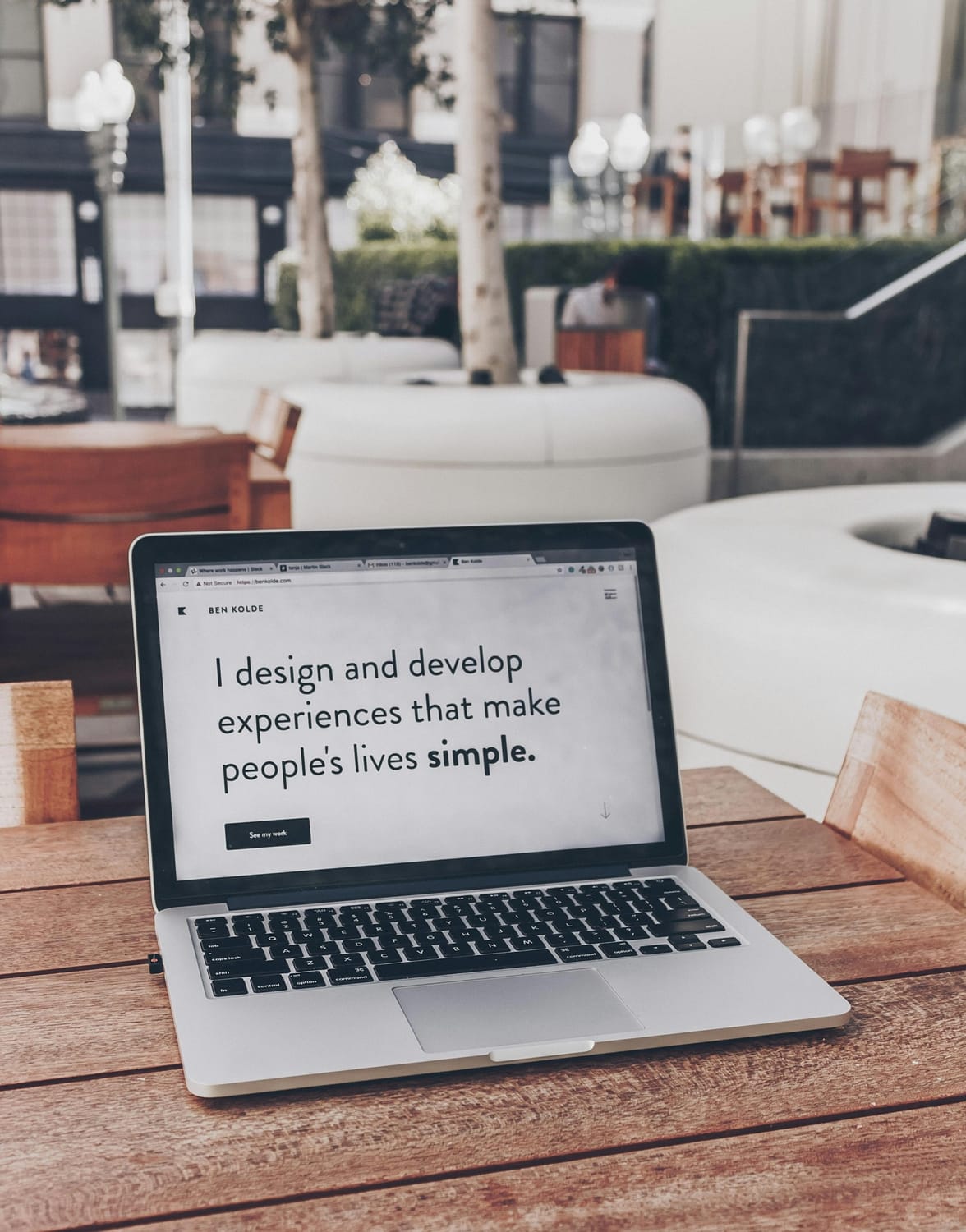
Every business needs a website, but not every business needs a complex backend. Many local "solopreneurs"—like dog walkers, tutors, or local cake bakers—just need a clean, single-page site to show their work.
Using no-code platforms like systeme.io or Wix, older kids can build professional "Landing Pages." This is the pinnacle of digital skills because it combines everything: design, structure, persuasive writing, and basic marketing logic.
They can offer a "Local Digital Package" where they build a simple site and set up a basic Google Business profile for a neighbor's small business. This teaches them about client management, deadlines, and the full lifecycle of a digital product. It's the ultimate apprenticeship for the future of work.
The Golden Rule: Safety and Balance
While the prospect of earning money is exciting, it's vital to maintain a "safety first" mindset. At Belmans4Kids, we always advise parents to be the "Account Managers." Help your child set up their profiles, monitor conversations, and manage any transactions.
The goal isn't to replace school or play with work. The goal is to show them that their time + skill = value. When a child sees they can create something that helps someone else, their entire relationship with technology changes. They stop being passive consumers and start being active participants in the digital age.

Empowering the next generation of digital entrepreneurs.
Ready to unlock their potential?
Whether it's 3D Modelling, Coding, or AI, your child's journey to digital mastery starts with a single step. Join our community of young creators today.
Explore Courses


